Free Whiteboard for Collaboration
Create a shared online whiteboard room and collaborate visually with your team, students, or friends directly in your browser. Use the whiteboard to draw diagrams, brainstorm ideas, explain concepts, and map strategies together in real time. Simply share the room link or your screen during a video call so everyone can contribute to the same canvas. This free online whiteboard for collaboration makes it easy for teams, classes, and groups to work together visually, capture ideas, and export the whiteboard as a PDF when finished.
Create a Room and Collaborate Online
Start a shared whiteboard session in seconds.
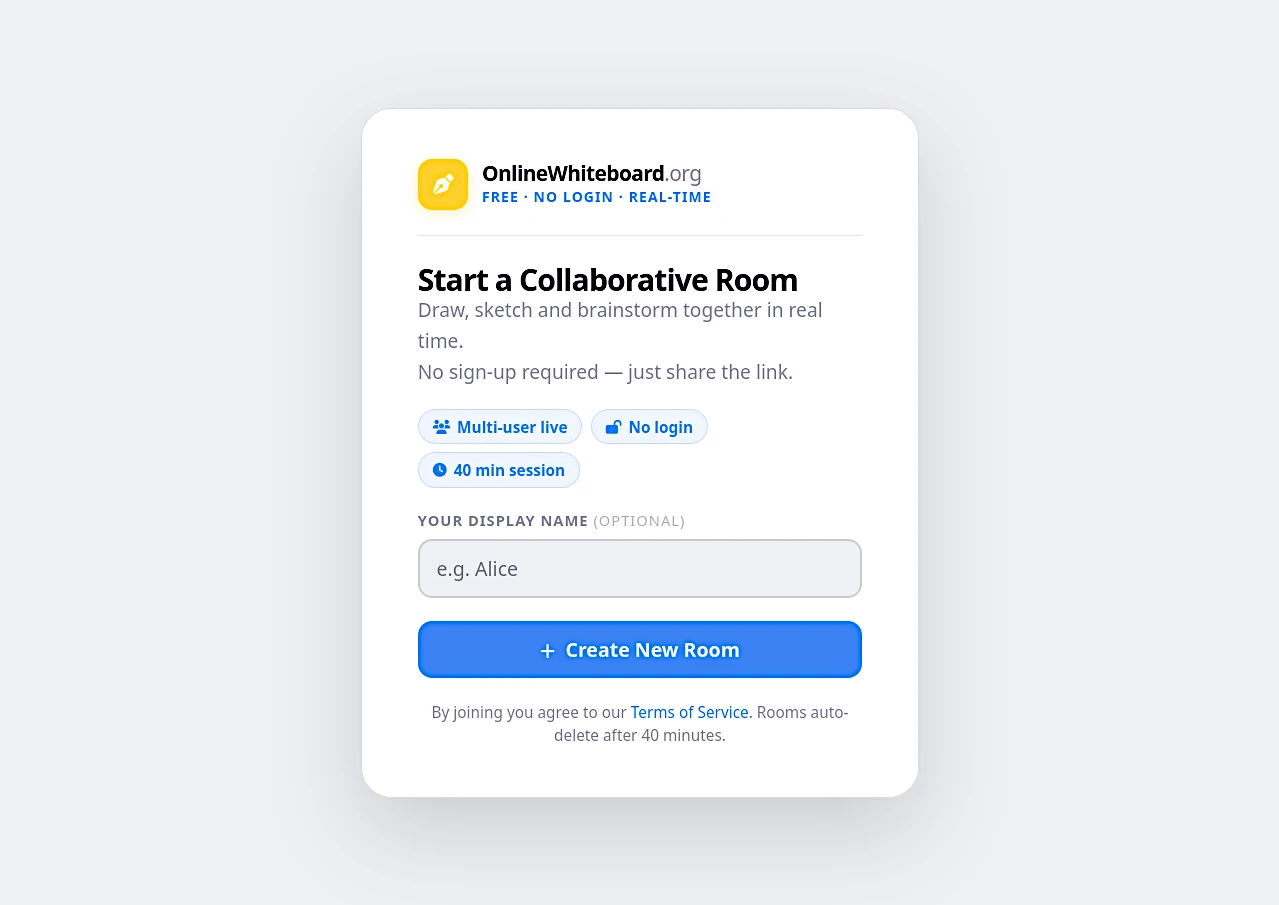
Create a Whiteboard Room
Open the whiteboard and create a collaboration room. The system generates a unique room for your session.
Share the Room Link
Copy the room link and share it with your team, classmates, or friends. Anyone with the link can join the whiteboard.
Draw Together in Real Time
Participants can draw, sketch diagrams, highlight ideas, and collaborate visually on the same canvas.
Save or Export the Board
Download the whiteboard as a PNG or PDF to keep a record of your collaboration.
How Collaboration Works with Screen Sharing
Visual collaboration via screen sharing — the simplest and most universal method.
Open the Whiteboard
One person opens onlinewhiteboard.org — no login, loads instantly. This person becomes the facilitator of the session.
Start a Video Call & Share Your Screen
Open Zoom, Google Meet, Teams, or any video platform. Share your browser tab showing the whiteboard. All participants now see the canvas in real-time.
Draw, Discuss, and Build Together
The facilitator draws as the group discusses. Participants guide verbally or via chat. Anyone can take control and draw by requesting screen control (in Zoom) or switching roles.
Export the Shared Board
After the session, export the board as a PDF — a complete visual record. Share with all participants as collaborative meeting notes or lesson summary.
Why Use a Whiteboard for Collaboration?
A whiteboard for collaboration makes it easier for teams and groups to share ideas visually.
Visual Brainstorming
A whiteboard for collaboration helps teams brainstorm ideas quickly. Instead of long discussions, participants can sketch concepts, draw connections, and visualize ideas together.
Team Collaboration
Teams can work together on the same whiteboard by joining a shared room. Simply create a room and share the link so others can join and collaborate.
Collaborative Learning
Teachers and students can use a whiteboard for collaboration during online classes to draw diagrams, explain lessons, and solve problems together.
Idea Mapping
Use shapes, highlights, and drawings to organize ideas visually. A collaborative whiteboard helps teams map strategies and project plans.
Meeting Discussions
During remote meetings, a whiteboard helps explain strategies, draw workflows, and capture key discussion points visually.
Share Collaboration Rooms
Create a whiteboard room and share the link with others. Participants can join instantly and collaborate on the same canvas.